




Sleep and Shift Work and Sessions
Night Shifts and Wind-Down
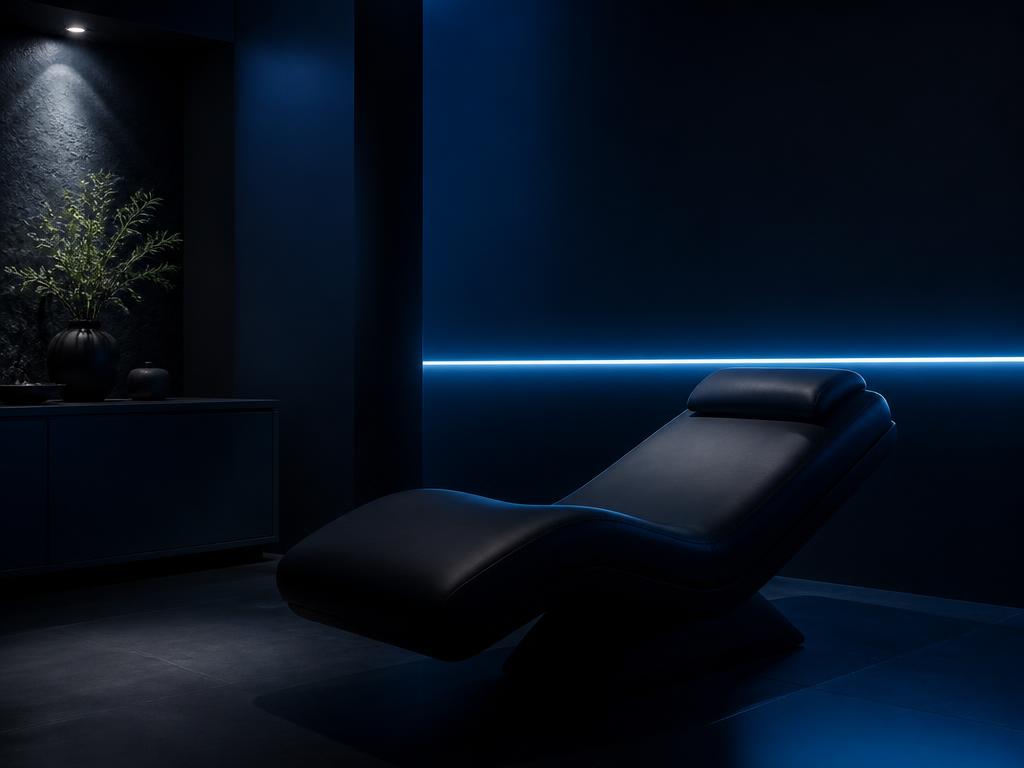
A wind-down routine assumes darkness and a quiet house. Night shift work removes both. What changes, and what still works.
10 March 2026. 5 minute read.
Session environment
By the studio lead. Published 14 October 2026. Updated 14 October 2026. 7 minute read.
Drafted with AI assistance, then reviewed, edited where needed, and approved by the author above before publication.
Yes, you can usually keep your phone with you during a microcurrent neurofeedback session, but we recommend putting it on silent and setting it aside. If you need to remain reachable, use your phone for accessibility, or expect an urgent call, tell us before we begin so we can arrange the room accordingly.
Phone use is not part of the session protocol. Our FDA cleared device is indicated for relaxation training and muscle reeducation, and the session does not require you to watch an app, complete a task, or respond to information on a screen. We keep the phone question practical by considering comfort, equipment placement, interruptions, and the privacy of everyone in the studio.
We do not normally require you to power down your phone. Silent mode is usually enough, and airplane mode is optional unless we identify a practical reason to use it. We ask that vibration be turned off when possible because a phone buzzing against a table can be surprisingly noticeable in a quiet room.
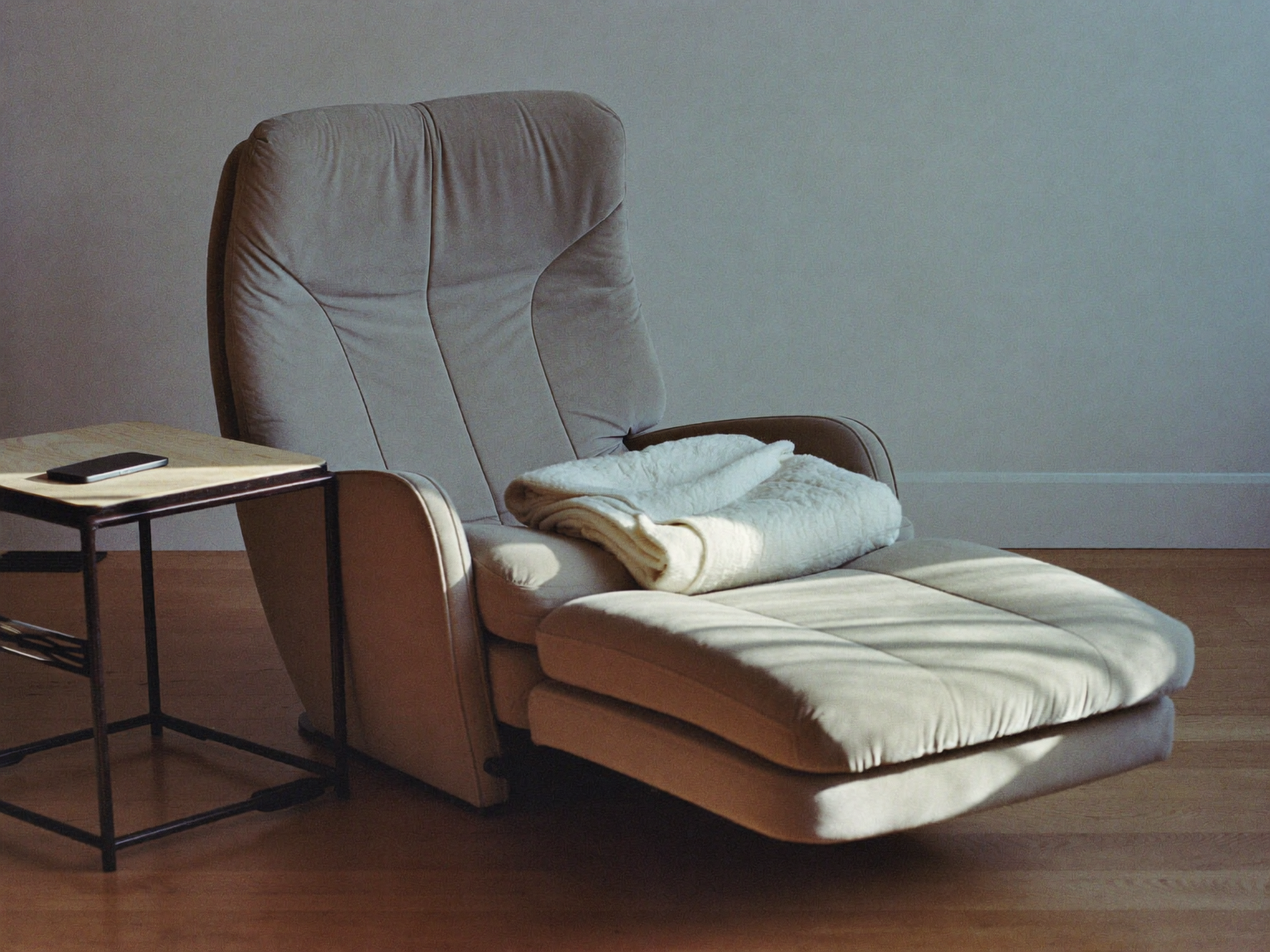
Before we begin, we ask whether you need to remain reachable. If the answer is no, we suggest using a focus setting that blocks routine notifications. You can place the phone face down on a side table, inside a bag, or wherever it will not pull on a charging cable or sit among the session components.
If you are waiting for an important message, we can agree on a simple plan. You might allow calls from one contact, choose a distinct alert, or keep the screen visible from the chair. We would rather establish that plan at the start than have you wonder whether you missed something while the session is underway.
You may be physically able to text or scroll, but we generally encourage setting the phone aside. The session is structured as quiet relaxation training, and a stream of messages, videos, or work updates changes that environment. This is a practical recommendation, not a claim that looking at a screen determines what you will experience.
Phone use can also lead to frequent changes in posture. Reaching toward a table, looking down, or shifting the arms may tug on sensor leads or make the chair less comfortable. Small movements are not automatically a problem, but we want you to tell us before making a larger adjustment so we can check that the leads remain comfortably positioned.
There are reasonable exceptions. You may need to send a brief arrival update, answer a time-sensitive message, or use the phone as a communication tool. Let us know what you need. We can pause, help you sit up, and check the setup before continuing rather than asking you to work around the leads on your own.
Yes. If an urgent call comes in, tell us and we can pause what we are doing. We will help you move safely around the sensor leads and give you privacy when the room arrangement allows. You do not need to ignore an important responsibility simply because a session has started.
For calls that are likely to last more than a brief moment, we may remove the sensors and resume after you finish. That is often more comfortable than trying to hold a phone while remaining in the same position. Available studio time may affect whether a lengthy interruption can be accommodated, so we discuss the practical options with you rather than making assumptions.
If you are regularly on call for work, caregiving, or public safety duties, mention that when booking and again when you arrive. We can choose a phone location that is easy to reach, confirm which alert should stay active, and avoid creating an expectation that the room must remain completely interruption free.
Audio may be possible, but we ask you to discuss it with us before putting on headphones or earbuds. Sensor locations vary with the session protocol, and some headphones can press against a sensor, cross a lead, or become uncomfortable against the chair. We check the physical fit rather than assuming every style will work.
A small speaker at low volume can sometimes be simpler than headphones. If you prefer earbuds, we may ask you to leave one ear open so we can communicate without needing to tap the chair or raise our voices. We also keep the content appropriate for a shared wellness setting, especially when sound could carry beyond the room.
You do not need a guided track, game, or specific recording for the equipment to operate. Some people prefer quiet, while others are more comfortable with familiar audio in the background. We focus on creating a calm, workable setup and do not present one listening choice as a route to a promised outcome.
We do not make a blanket promise about every phone, accessory, network, or wireless device. Instead, we follow the device setup instructions, keep personal electronics away from the main unit and its connections, and pay attention to anything unusual in the room. Your phone does not need to rest beside the equipment for you to remain reachable.
We also look at accessories. A charging cable can become a trip point, a magnetic phone mount may not belong near certain components, and a large headset may compete for space around sensor sites. Smart watches and wireless earbuds add their own alerts and controls, so we include them in the setup conversation when they are in use.
If we notice unexpected equipment behavior, we can pause and simplify the surroundings. That may mean moving the phone farther away, disconnecting a charger, closing an audio connection, or checking the leads. We do not ask a guest to troubleshoot the session device. Equipment monitoring remains our responsibility.
Tell us what function you need, and we will plan around that function whenever the room and equipment allow. A phone may support typed communication, captions, reminders, translation, sound adjustment, visual prompts, or contact with a support person. We do not assume that putting a phone away is practical for everyone.
It helps to describe the action rather than share personal information you would prefer to keep private. For example, you can tell us that you need to see specific alerts, that spoken instructions are not ideal, or that the phone must remain within reach. That gives us enough information to adjust the setup without asking for an unnecessary personal history.
We can also explain each physical step before placing sensors, agree on how you will signal for a pause, and position the screen where it can be viewed without pulling on leads. If you want to confirm an arrangement before traveling to the Arvada studio, contact us in advance so we can discuss the room and equipment clearly.
Please ask before making any recording. A phone can capture voices, paperwork, screens, conversations in nearby spaces, or details belonging to another guest. Our privacy expectations apply even when the intended recording is only a short clip or personal note.
We do not permit recording that includes another guest or their conversation. We also avoid showing private scheduling information, device identifiers, or staff work materials. If a recording is appropriate, we establish what will be included, where the camera can point, and when recording must stop.
Taking a personal photo before the setup may be possible when the room is clear and a team member has agreed. Livestreaming is different because it is difficult to control what may be captured or shared in real time. We generally ask that live video wait until you are outside the session area.
A short phone check can make the start of your visit simpler. You do not need a special app or a new device setting. The goal is to decide what needs to reach you, reduce avoidable interruptions, and keep cables and accessories from crowding the chair.
Before the session begins, we recommend the following practical steps. If any item does not fit your responsibilities or access needs, tell us and we will adjust the plan.
Your Care and Comfort Matter
Momentous Neurofeedback is a wellness practice using advanced neurofeedback technology to support relaxation and nervous system regulation.
The IASIS i2 Relaxation Neurofeedback System is an FDA-cleared biofeedback device indicated for relaxation training and muscle reeducation.
Our services are not a substitute for medical care, we do not provide medical care, and we do not assess or identify health conditions. Individual experiences vary. If you have questions about your health or whether neurofeedback is appropriate for you, please speak with your licensed healthcare provider.
We are always happy to answer questions about what we do and what you can expect before your first visit.
About the Author
Studio lead
Session practitioner and studio lead
Runs sessions and looks after the room. Explains the equipment before anything is attached, and stops if you want to stop.
Handles the first conversation for most new visitors, which is where expectations get set plainly rather than optimistically.
Sleep and Shift Work and Sessions
A wind-down routine assumes darkness and a quiet house. Night shift work removes both. What changes, and what still works.
10 March 2026. 5 minute read.

Signal and Equipment and Sessions
The 10-20 system is a naming convention for scalp positions. Here is how it works and why placement gets written down every visit.
24 February 2026. 4 minute read.

Sessions and Practice Standards
A gentle first session is a deliberate operating rule, not caution for its own sake. Here is the reasoning and what it costs you.
10 February 2026. 5 minute read.